What Is Amazon Advertising Agency Software? Features Agencies Actually Need
The features agencies need to manage bids, budgets and reporting across many client accounts.
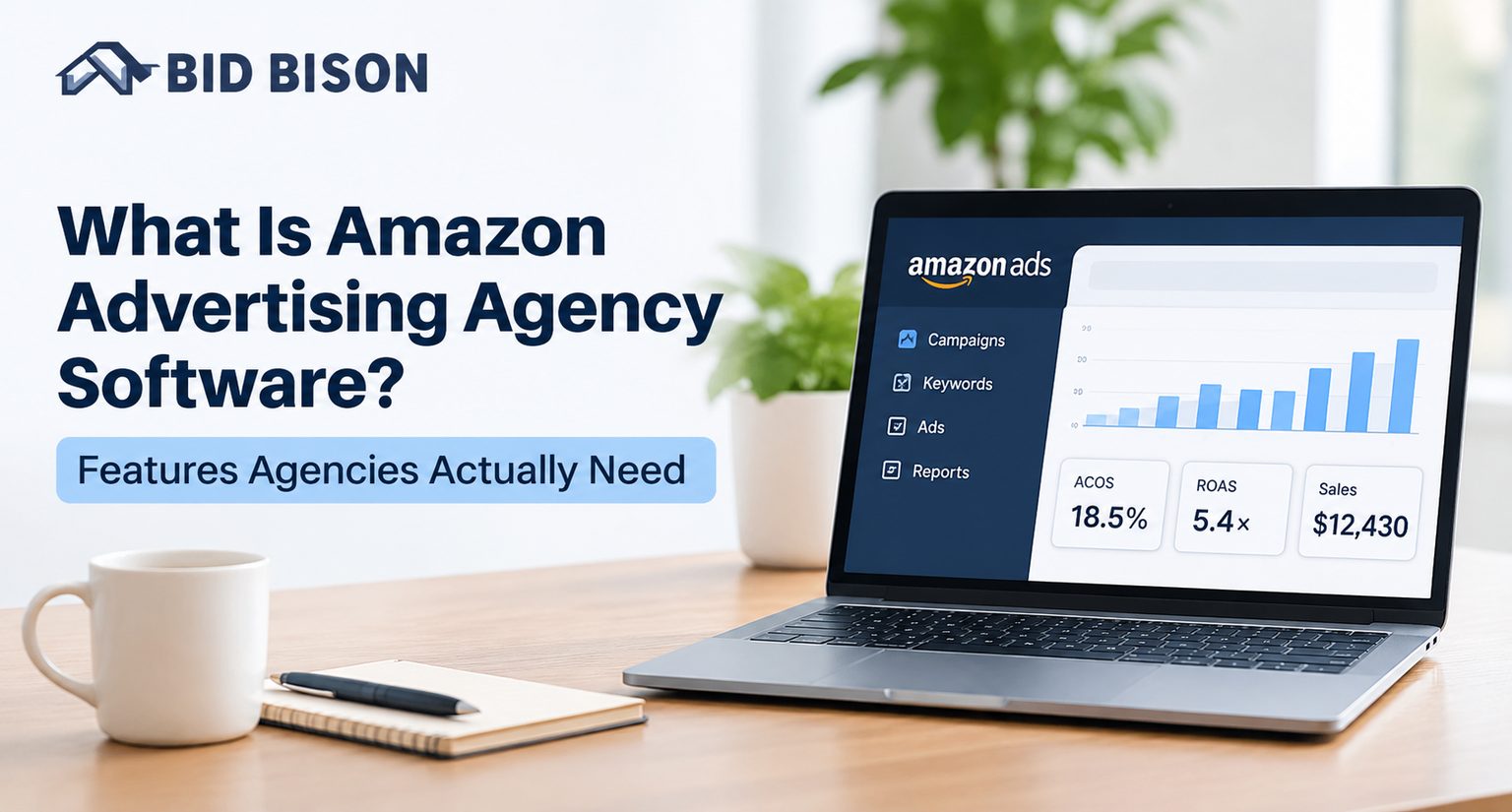
Amazon advertising agency software is a platform that lets agencies manage Amazon PPC campaigns for many clients from one place. It automates bids, budgets, keywords, dayparting and reporting using each client’s data and target ACoS, so teams spend less time on manual edits and more on strategy.
What Is Amazon Advertising Agency Software?
Amazon advertising agency software is a PPC management platform built for teams that run ads for several brands or sellers. It connects to each client’s Amazon Ads account, automates optimization, and gives the agency one view of performance across all accounts.
Agencies have different needs from single-brand sellers. One seller can tolerate a slow weekly bid review. An agency with 20 clients cannot.
The software handles three jobs:
- Optimization: it adjusts bids, budgets and keywords on a schedule.
- Protection: it flags problems such as lost Buy Box or out-of-stock products that still run ads.
- Reporting: it turns raw ad data into client-ready views of spend, sales, ACoS and RoAS.
You will also see this category called an Amazon ads management platform or an Amazon PPC management tool. The terms overlap heavily.
What Is Amazon PPC Software and How Does It Work?
Amazon PPC software connects to your Amazon Ads account through the Amazon Ads API, reads campaign data, and makes recurring decisions on bids, budgets and keywords. You set a goal and a target ACoS, and the software steers campaigns toward it.
ACoS (Advertising Cost of Sales) is ad spend divided by ad-attributed sales. The Amazon Ads API is the official interface that lets approved tools read and change campaigns. You can read more in the Amazon Ads API documentation.
How Amazon PPC automation software works, step by step
- Connect the account. You authorize the tool to access the Amazon Ads account.
- Choose a goal. Examples are launching a product, holding ACoS, scaling winners or clearing stock.
- Set a target ACoS. This is the number the engine protects.
- Let it analyze data. The tool reviews clicks, orders, spend and search terms.
- Let it act. It changes bids, shifts budgets, adds negatives and harvests converting search terms.
- Review reports. You check trends, not individual keyword edits.
Amazon uses a 14-day attribution window for many ad types, so sales can post days after a click. Judge results after two to three weeks, not after two days.
Rule-based vs. goal-based vs. AI-driven tools
| Approach | How it works | Best for | Main risk |
|---|---|---|---|
| Rule-based | You write “if X, then Y” rules | Teams with PPC experts and time | Rules pile up and conflict |
| Goal-based | You pick an outcome and a target ACoS | Agencies running many accounts | Less hands-on control unless overrides exist |
| AI-driven (Amazon PPC AI software) | Models predict and adjust bids | Large data sets | Hard to explain decisions to clients |
The best platforms mix these. They run on goals by default and allow custom rules when you need them.
Why Do Agencies Need Dedicated Software?
Agencies need dedicated software because manual PPC work does not scale across clients. Each added account multiplies keywords, reports and alerts. Software removes repetitive tasks, so one specialist can handle more accounts without losing quality.
Here is a typical bid loop that eats an agency’s week:
- A keyword looks promising, so you raise the bid.
- Spend climbs and ACoS passes the target.
- You cut the bid, and sales drop.
- The cycle repeats across hundreds of keywords.
Multiply that by every client, and optimization turns into maintenance.
Mini example: an agency with 15 clients (illustrative)
Say an agency reviews bids and search terms for 15 clients each week. At 3 hours per client, that is 45 hours of manual work before reporting. Automation takes over the routine bid and keyword decisions. The team keeps its hours for strategy, creative and client calls.
Benefits agencies see
- Fewer manual edits per account
- More consistent results across clients
- Faster response to problems
- Cleaner, repeatable client reporting
- More accounts per specialist
What Features Does Amazon Advertising Agency Software Need?
Amazon advertising agency software needs automated bidding, budget control, search term harvesting, dayparting, alerts and clear reporting. For agencies it also needs safe automation, ad type coverage and transparent change logs, so clients can see what happened and why.
Essential features checklist
Use this list when you compare tools:
- Goal-based automation tied to a target ACoS
- Automated bid management that avoids constant up-and-down swings
- Budget management that moves spend toward winning campaigns
- Search term harvesting from Auto and Broad campaigns into Exact or Phrase keywords
- Negative keyword automation to cut wasted spend
- Dayparting to lower bids at slow hours and raise them at peak hours
- Custom rules for cases where a preset is not enough
- Proactive alerts for Buy Box loss, stock-outs, rejected campaigns and ACoS spikes
- Reporting by campaign, match type, placement and ASIN
- Period comparison and export to Excel or similar formats
- Coverage of Sponsored Products, Sponsored Brands, Sponsored Display and Sponsored TV
- Multi-marketplace support
- Change logs that record every automated action
- Manual override protection so your own bids are not overwritten
Features that matter most
Goal-based automation. It removes the need to build dozens of rules per client. You choose an outcome, such as “get found fast” for a new launch or “reduce ACoS” to defend margin.
Anti-oscillation logic. This keeps bids inside an acceptable band instead of bouncing daily. Without it, results get noisy and hard to explain to clients.
Alerts. Ads that keep running after the Buy Box is lost send paid clicks to a competitor. Ads on out-of-stock products burn the budget on impressions that cannot convert. Alerts catch both fast.
What Are the Software Requirements for Agencies Managing Multiple Clients?
Agencies managing multiple clients need software that separates client data, scales its pricing, and produces reports quickly. They also need safe automation, a full audit trail and flexible control, ranging from preset strategies to custom rules.
Software requirements matrix for multi-client agencies
| Requirement | Why agencies need it | What to verify before buying |
|---|---|---|
| Multi-account management | One login for many client stores | Can you switch between stores and countries quickly? |
| Goal-based strategies | Fast setup for each new client | Are there presets for launch, scale, margin and clearance? |
| Target ACoS control | Each client has different margins | Can you set ACoS per account or product? |
| Custom rule builder | Handles client-specific logic | Is it no-code? Can rules be scheduled? |
| Search term harvesting | Finds winners, blocks waste | Does it work in bulk? Can you choose target campaigns? |
| Dayparting | Matches spend to shopper behavior | Can you set hourly bid changes? |
| Alerts | Stops silent budget loss | How many alert types? Which events trigger them? |
| Reporting and export | Client-ready proof of results | Does it compare periods and export in one click? |
| Audit log | Builds client trust | Is every automated change recorded? |
| Ad type coverage | Clients run mixed campaigns | Are SP, SB, SD and Sponsored TV supported? |
| Pricing model | Margins depend on tool costs | Is pricing by store, country, ad spend or flat fee? |
| Support and onboarding | Reduces setup time | Is human support available during the trial? |
Ask each vendor for a demo of your own account data, not a sample dashboard.
Manual Management vs. Amazon PPC Automation Software
Manual management gives full control but cannot keep up across many accounts. Amazon PPC automation software handles routine decisions around the clock and frees your team to focus on strategy. Most agencies use automation for routine work and keep manual control for exceptions.
| Factor | Manual management | Automation software |
|---|---|---|
| Speed of reaction | Hours to days | Continuous |
| Time per client | High | Lower after setup |
| Consistency | Varies by person | Repeatable |
| Search term review | Spreadsheet-based | Built in |
| Dayparting | Hard to run by hand | Scheduled |
| Scalability | Limited by headcount | Scales with accounts |
| Best use | Special cases, creative decisions | Routine bids, budgets, keywords |
How Do You Choose an Amazon PPC Management Tool?
Choose an Amazon PPC management tool by testing it on a real client account for at least two to three weeks. Compare setup effort, ACoS control, reporting quality and support, then match the pricing model to your client count.
Step-by-step selection process
- List your clients’ goals. Group them: launch, growth, profit, clearance.
- Shortlist two or three tools. Compare features against the checklist above.
- Run a free trial on one live account, ideally with steady spend.
- Wait for the attribution window. Read ACoS trends after two to three weeks, not after a few days.
- Check reports. Confirm you can show clients what changed and why.
- Model the cost. Multiply per-store pricing by your client count.
You can also compare vendors on the BidBison comparison page.
How Does BidBison Work for Agencies?
BidBison is Amazon PPC automation software that automates bids, budgets, keywords, dayparting and reporting around your target ACoS. You pick a goal, set the ACoS, and its strategy engine manages campaigns inside your existing structure.
Here is what agencies get, based on the BidBison features page:
- Five goal-based strategies: Get found fast, Maintain ACoS, Scale winners, Reduce ACoS and Clear stock. Each is a complete PPC playbook.
- Brand, Display and Video playbooks tuned for those ad types.
- Rule Book for custom bid, budget and search-term logic with no code.
- Search term harvesting that promotes converting terms and blocks wasteful ones in bulk.
- 13 alert types, including Buy Box lost, out of stock but still spending, and rejected campaigns.
- Reporting by match type, campaign, placement and product, with current vs. previous comparison and Excel export.
- Coverage for Sponsored Products, Sponsored Brands, Sponsored Display and Sponsored TV in every Amazon marketplace.
- Safe changes: it works inside your existing structure, logs every change, and does not overwrite manual bids you set.
Learn the full workflow on the How it works page, or read the Amazon PPC automation guide.
If your team prefers to hand off campaign management, the Done for You service uses the same platform with a dedicated PPC specialist.
Pro Tips and Common Mistakes
Pro Tip
Start each new client on one strategy and leave it alone for two to three weeks. Changing the goal every few days resets the learning and hides what is working. Review the ACoS trend, then adjust.
Common mistakes to avoid
- Judging results too early. Amazon’s 14-day attribution window means early sales are incomplete.
- Setting one ACoS for every client. Margins differ, so targets should too.
- Using automation without alerts. Ads on lost Buy Box or empty inventory waste budget fast.
- Overbuilding rules. Dozens of overlapping rules cause conflicts. Start with a preset.
- Ignoring search terms. Auto campaigns reveal real shopper queries. Harvest winners and block losers.
- Skipping the audit trail. Without a change log, you cannot explain results to clients.
- Cutting brand keywords on last-click math alone. Keywords that bring new-to-brand customers can look expensive but build long-term value.
How Much Does Amazon PPC Software Cost?
Amazon PPC software typically costs from tens to hundreds of dollars per month. Pricing depends on the model: some tools charge a flat fee, others by ad spend, store count or country count. Agencies should multiply per-store pricing by their client count.
For reference, BidBison pricing starts at $49 per month and goes to $179 per month on self-serve plans, depending on the number of stores and countries managed. Every plan includes a 14-day free trial with all features. The Done for You service is $499 per month with the platform included.
Compare tools on cost per managed account, not just the headline price.
Frequently asked questions
What is Amazon advertising agency software?
What is Amazon PPC software and how does it work?
What features should Amazon PPC software for agencies have?
Is Amazon PPC automation software worth it?
Can AI manage Amazon PPC campaigns?
How long does it take to see results from Amazon PPC software?
Conclusion
Amazon advertising agency software gives agencies one platform to automate bids, budgets, keywords, dayparting and reporting across clients. The right tool holds each client’s target ACoS, flags problems early and keeps every change visible.
Ready to test it on a real account? Start your 14-day free trial of BidBison, or talk to the team about running your clients’ ads for you.
Put this into practice automatically.
BidBison runs the strategy for you. 14-day free trial, credit card required.