Auto vs Manual Campaigns on Amazon: Which Should You Run First?
When to start with auto, when to go straight to manual, and how keyword automation keeps both running.
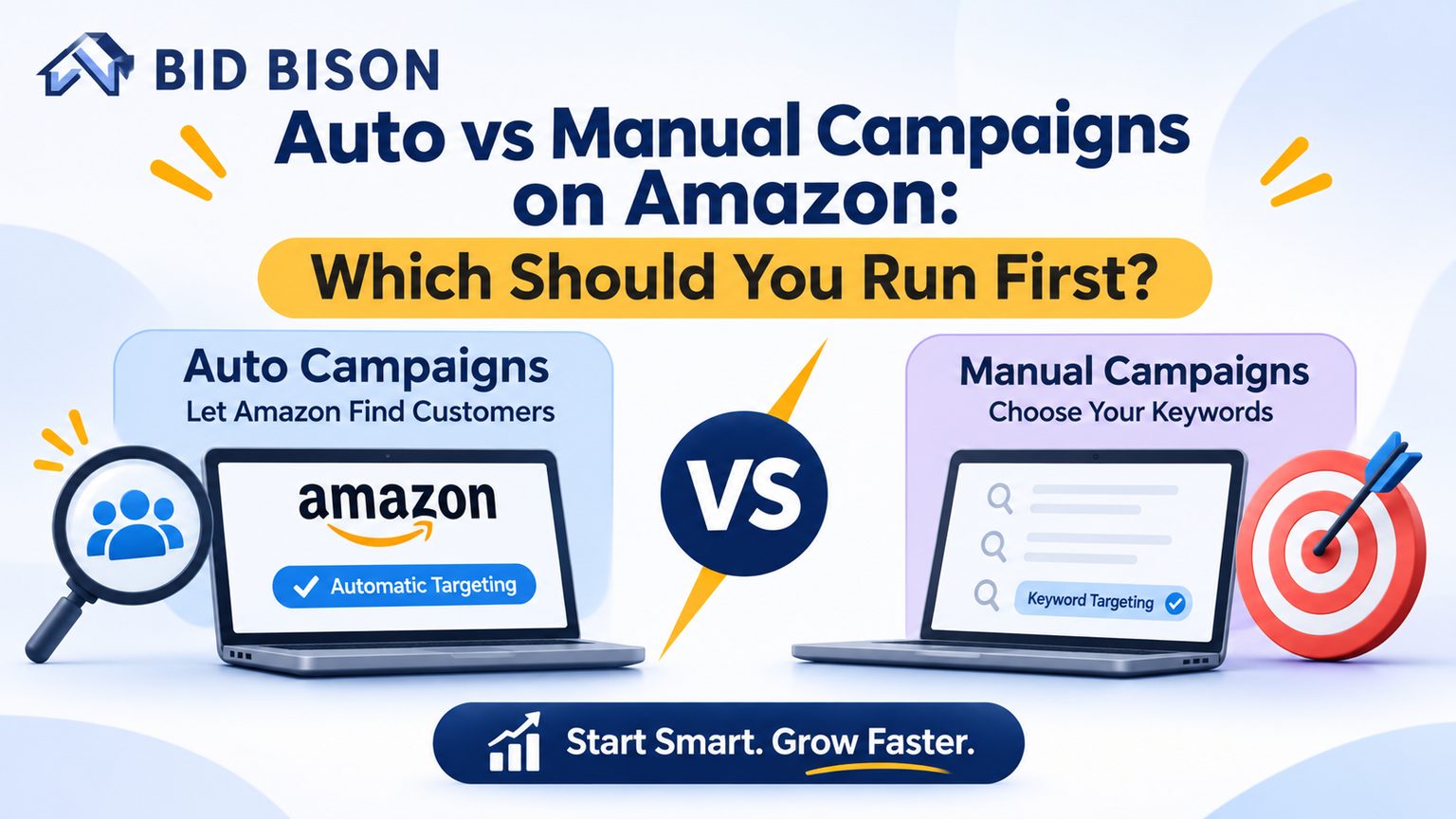
Quick answer: Run an automatic campaign first. Amazon’s auto campaigns target keywords and products for you, so they reveal the search terms that convert. Manual campaigns give you control over keywords, match types and bids. Launch with auto to discover, then move proven terms into manual. Amazon keyword automation can manage that handoff continuously.
What Is the Difference Between Automatic and Manual Amazon PPC Campaigns?
In automatic campaigns, Amazon chooses which search terms and products trigger your ads. In manual campaigns, you choose the keywords, match types and product targets yourself. Auto favors discovery and speed. Manual favors control and precision.
Both are Sponsored Products campaign types inside Amazon Advertising. Both use cost-per-click billing, so you pay only when a shopper clicks.
How automatic campaigns work
Amazon reads your listing and matches your ads to relevant searches and product pages. You set a default bid and a daily budget. You do not enter keywords.
Auto campaigns use four targeting groups:
- Close match: searches closely related to your product.
- Loose match: searches loosely related to your product.
- Substitutes: shoppers viewing similar products from other brands.
- Complements: shoppers viewing products that pair with yours.
You can bid separately on each group. That is the main control auto campaigns offer.
How manual campaigns work
You pick the targets. Manual campaigns support two targeting types:
- Keyword targeting: broad, phrase or exact match.
- Product targeting: specific ASINs, categories or brands.
You also set each bid by hand. That is more work, but you decide where every dollar goes.
Auto vs manual at a glance
| Factor | Automatic campaign | Manual campaign |
|---|---|---|
| Who picks targets | Amazon | You |
| Keyword input | None required | Required |
| Best for | Discovery, new products | Control, scaling proven terms |
| Match types | Close, loose, substitutes, complements | Broad, phrase, exact |
| Bid control | Per targeting group | Per keyword or target |
| Setup time | Fast | Slower |
| Wasted spend risk | Higher without negatives | Lower with research |
What Is Amazon PPC Software and How Does It Work?
Amazon PPC software is a tool that connects to your Amazon Ads account and manages bids, budgets, keywords and reports for you. It reads your performance data, applies rules or strategies around a target ACoS, and updates your campaigns automatically on a schedule.
You may see it called an Amazon PPC management tool, an Amazon ads management platform or Amazon PPC automation software. They describe the same category.
Most Amazon PPC software does five things:
- Pulls data from the Amazon Ads API, including spend, sales, clicks and search terms.
- Analyzes performance by keyword, campaign, placement and product.
- Adjusts bids and budgets toward your target ACoS.
- Harvests search terms and adds negative keywords.
- Reports results in one dashboard.
BidBison is Amazon PPC software built around this goal-based model. You pick an outcome such as maintaining or reducing ACoS. You set a target ACoS. The strategy engine manages bids, budgets, keywords and dayparting around the clock.
How Does Amazon Keyword Automation Work?
Amazon keyword automation is software-driven management of keywords in your PPC account. It finds converting search terms in auto campaigns, promotes them to manual campaigns, blocks wasteful terms as negatives and adjusts keyword bids against your target ACoS without manual spreadsheet work.
Manual keyword work follows a loop. You download a search term report, sort it, copy winners into new campaigns and paste losers into negative lists. Then you repeat it next week.
Automation runs that loop for you.
What gets automated
- Search term harvesting: converting terms from auto and broad campaigns move into exact or phrase campaigns.
- Negative keywords: terms with many clicks and no orders are blocked.
- Bid changes: bids rise on profitable keywords and fall on unprofitable ones.
- Budget shifts: spend moves toward campaigns that hit your target.
- Dayparting: bids drop during low-converting hours and rise at peak hours.
BidBison’s search term harvesting mines your auto and broad campaigns, flags converting terms and lets you promote them in bulk. A custom rule such as “50+ clicks, zero orders in 14 days → add as negative” runs on a schedule.
Automation does not choose your product strategy. You still decide whether you want to grow, defend margin or clear stock.
Which Should You Run First: Auto or Manual?
Run an automatic campaign first if you lack keyword data. Run manual first only if you already know your converting keywords and competitor ASINs. Most sellers launching a new product get better results starting with auto, then building manual campaigns from the data.
Auto campaigns answer the question a new listing cannot answer by itself: what do real shoppers type before they buy?
Start with manual only when:
- You have sales history from a similar product.
- You already have a tested keyword list.
- You are defending a branded term or a specific competitor ASIN.
Starting with a manual without data usually means guessing. Guessing at keywords often leads to high bids on terms that never convert.
Campaign Selection Scenarios
The right first campaign depends on your product’s stage. New launches need discovery, so auto fits. Established products with proven keywords need precision, so manual fits. Most accounts end up running both with clear roles for each.
Scenario 1: New product launch
Run auto first. You have no conversion data. Use auto to collect search terms in the first two to three weeks. Add a small manual exact campaign for your obvious core keyword.
Scenario 2: Established product with strong sales
Run manual for proven terms, auto for discovery. Put top converters in exact match with tight bids. Keep an auto campaign at a lower budget to catch new terms.
Scenario 3: Product with high ACoS
Tighten manual, trim auto. Move spend toward exact-match keywords with a record of orders. Add negatives from auto campaigns. Lower bids on loose match and complements.
Scenario 4: Large catalog with limited time
Use auto plus automation. Hundreds of ASINs cannot be hand-tuned. Use Amazon PPC automation to harvest terms and manage bids across the catalog.
Scenario 5: Competitor conquesting or brand defense
Run manual product targeting. Target specific competitor ASINs, or defend your own brand terms with exact match. Auto cannot give you that precision.
Mini case study (illustrative)
A seller launches a stainless steel water bottle with one auto campaign at $30 per day. After 21 days, the search term report shows 400 terms. Twenty-two of them produce orders under the seller’s 28% target ACoS.
The seller moves those 22 terms into a manual exact campaign and adds 60 wasteful terms as negatives. Auto spend drops, manual ACoS stabilizes and the account keeps discovering new terms. These figures are an example of the workflow, not a performance guarantee.
Decision Matrix: Auto vs Manual
Use this matrix to choose a campaign type based on keyword discovery, targeting control and optimization goals. Auto wins on discovery and speed. Manual wins on control and profit protection. Most mature accounts need both.
| Decision factor | Choose auto | Choose manual |
|---|---|---|
| Keyword discovery | You need to find new search terms | You already have a validated keyword list |
| Targeting control | You accept Amazon choosing placements | You need exact keywords, ASINs or negatives |
| Optimization goal: launch | Yes. Collect data and impressions fast | Only with prior data |
| Optimization goal: scale | Supporting role for discovery | Primary role for proven keywords |
| Optimization goal: lower ACoS | Trim loose and complement targets | Focus on exact match winners |
| Account maturity | New listing, few reviews | Established listing with sales history |
| Management time | Low | Higher |
| Wasted spend risk | Higher without negatives | Lower with good research |
Rule of thumb: use auto to find, manual to profit and automation to keep both running.
How Do You Move From Auto to Manual Campaigns?
Run auto for two to three weeks, export the search term report, pick terms with orders under your target ACoS, add them as exact or phrase match in a manual campaign and add them as negatives in the auto campaign.
- Let auto run long enough. Wait two to three weeks. Amazon’s attribution window needs time to settle, and early data undercounts sales.
- Download the search term report. Find it in your Amazon Ads console.
- Filter for winners. Keep terms with at least one order and an ACoS under your target.
- Create a manual campaign. Add winners as exact match. Add secondary terms as phrase match.
- Set bids from real data. Use your auto campaign’s average CPC as a starting point.
- Add negatives to the auto campaign. Block the harvested terms there. This avoids two campaigns bidding on the same term.
- Block waste. Add terms with many clicks and no orders as negative exact.
- Repeat every one to two weeks. New terms keep appearing.
Software compresses steps 2 through 8. A Amazon PPC specialist tool like BidBison harvests winners and adds negatives while you review the changes. Every change is logged, and manual bids you set are never overwritten.
Pro Tips and Common Mistakes to Avoid
The most common mistake is judging campaigns too early. Cutting bids after a few days counts full spend against incomplete sales. Wait for attribution to settle, then make changes based on a full data window.
Pro tips
- Name campaigns clearly. Use a pattern like “Product – Auto – Close Match.” You will thank yourself during audits.
- Separate match types. Keep exact, phrase and broad in different campaigns. This gives you cleaner reporting and bid control.
- Bid lower on loose match and complements. They convert less often than close match and substitutes in many categories.
- Check inventory. Stop ads on out-of-stock products or lost Buy Box. BidBison flags both in its alerts.
Common mistakes
- Never adding negatives. Auto campaigns spend on irrelevant terms without them.
- Letting two campaigns bid on the same term. This is keyword cannibalization. Add harvested terms as negatives in the source campaign.
- Changing bids daily. Constant swings confuse results. Anti-oscillation logic keeps bids inside a set range.
- Turning off auto after harvesting. Shopper language changes. Keep a small auto budget running.
- Ignoring your margin. Set target ACoS from your break-even point, not from a generic benchmark.
If you would rather not run this yourself, BidBison’s Done for You service pairs the platform with Amazon advertising experts who manage the account.
Frequently asked questions
What is the difference between automatic and manual Amazon PPC campaigns?
Should I start with auto or manual campaigns on Amazon?
How long should I run an auto campaign before moving to manual?
What is search term harvesting on Amazon?
Are auto campaigns more expensive than manual campaigns?
Can I run auto and manual campaigns together for the same product?
Conclusion
The auto vs manual question has a simple answer: run auto first to discover, then use manual to control spend on proven keywords. Amazon keyword automation keeps that loop running without weekly spreadsheet work.
Next step: Start a 14-day free trial of BidBison, pick a goal, set your target ACoS and let the engine manage both campaign types. Prefer hands-off? Talk to our team about Done for You management.
Put this into practice automatically.
BidBison runs the strategy for you. 14-day free trial, credit card required.