What Is Amazon Keyword Automation? How It Finds, Tests and Prunes Keywords
How automation finds new keywords, tests them against your targets and prunes the ones that waste spend.
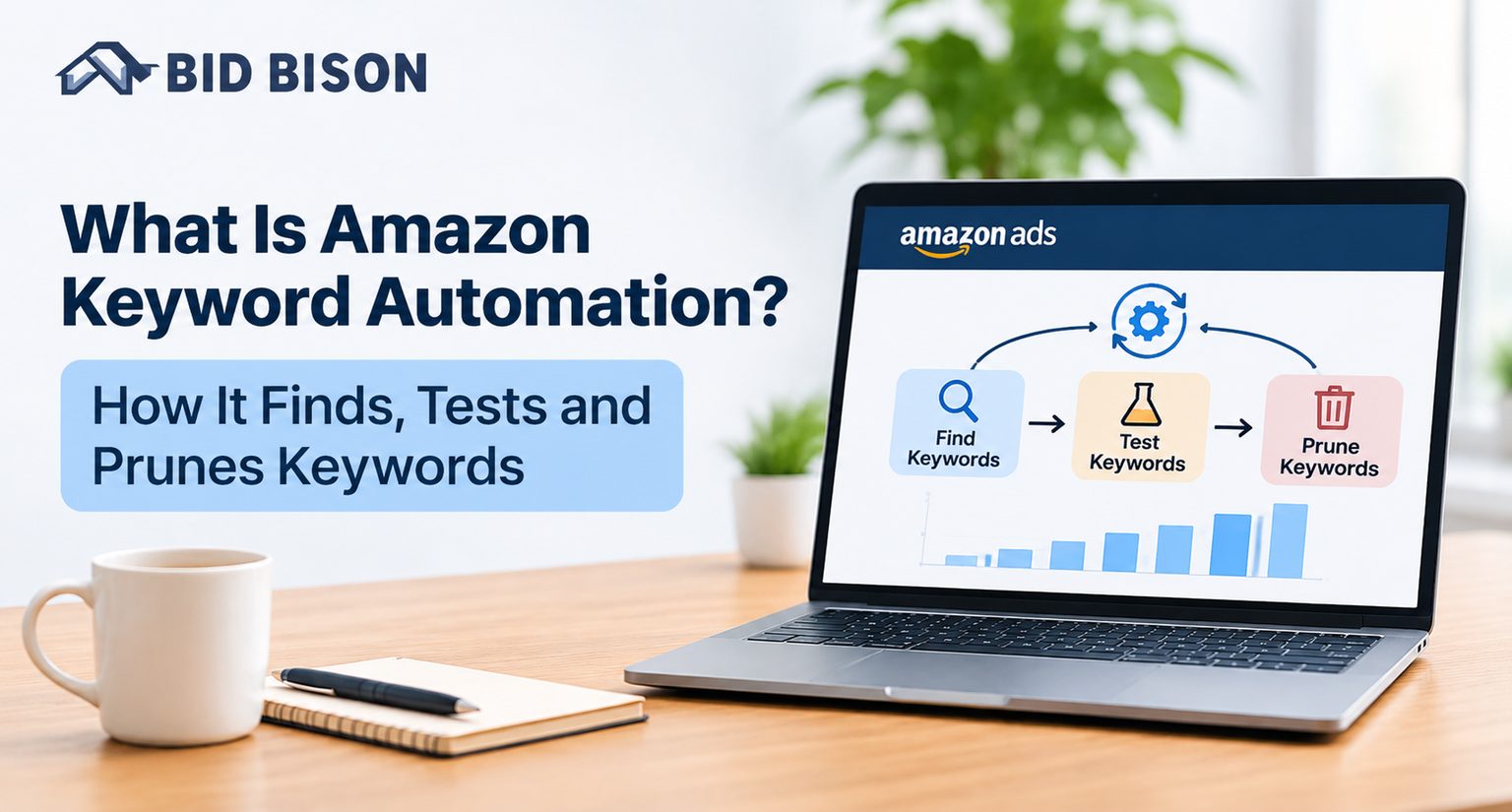
Amazon keyword automation is software that finds, tests and removes keywords in your Amazon ad account without manual work. It mines search term reports from Auto and Broad campaigns, harvests converting terms into exact or phrase keywords, tests them against your target ACoS, and prunes wasteful ones as negatives.
What Is Amazon Keyword Automation and How Does It Work?
Amazon keyword automation uses software to make the repeating keyword decisions in your ad account. It reads your performance data, promotes search terms that convert, blocks terms that waste spend, and adjusts bids toward your target ACoS.
ACoS (Advertising Cost of Sales) is ad spend divided by ad-attributed sales. It is the main efficiency number for Amazon PPC.
Without automation, a seller downloads a search term report, sorts it in a spreadsheet, copies winners into new campaigns and pastes losers into negative lists. Then they repeat the process next week. That workflow does not scale past a few dozen products.
Keyword automation runs the same loop on a schedule, using your own data. It covers three jobs:
- Find: Surface new search terms from Auto and Broad campaigns.
- Test: Give each new keyword enough clicks to judge it against your goal.
- Prune: Remove or negate keywords that spend without converting.
What Is Amazon PPC Software and How Does It Work?
Amazon PPC software is a tool that connects to your Amazon Ads account and manages bids, budgets, keywords and reporting for you. You set a goal and a target ACoS. The software reads performance data and makes changes on a schedule.
You may also see it called an Amazon PPC management tool, Amazon PPC automation software or an Amazon ads management platform. The names differ, but the job is the same: replace repetitive manual edits in Seller Central with consistent, data-based actions.
Most platforms work in four stages:
- Connect: You authorize access to your Amazon Ads account through Amazon’s API.
- Analyze: The software pulls spend, sales, clicks and search term data.
- Act: It adjusts bids, moves budget, harvests keywords and adds negatives.
- Report: It logs every change and shows results by campaign, match type and product.
BidBison follows a goal-based model. You pick an outcome such as maintaining ACoS or scaling winners, and the strategy engine manages bids, budgets, dayparting and keywords. For a broader view, read the guide to Amazon PPC automation.
How Does Keyword Automation Find New Keywords?
Keyword automation finds new keywords by reading search term reports from Auto and Broad campaigns. It filters for terms that meet your click, order and ACoS thresholds, then recommends or adds them as exact or phrase keywords in a campaign you choose.
Auto campaigns let Amazon match your ads to shopper searches on its own. Broad match keywords do something similar within a keyword’s meaning. Both bring in real shopper queries you did not think of. That makes them the best discovery source on the platform. You can read how each format works on the Amazon Ads Sponsored Products page.
The Step-by-Step Keyword Discovery Process
- Run discovery campaigns. Keep at least one Auto campaign and one Broad or phrase campaign per product group. These feed the system with new queries.
- Collect search term data. The software pulls the search term report on a schedule, usually daily or weekly. It stores clicks, orders, spend and sales per term.
- Filter by performance. Only terms that pass your rules move forward. A typical rule is a minimum number of orders and an ACoS at or below target.
- Check relevance. Competitor brand names, wrong-category terms and unrelated queries are held back or sent to the negative list.
- Harvest winners. Qualifying terms are added as exact or phrase keywords in the campaign you nominate. Exact match gives you the most control over bids.
- Negate the source term. Adding the harvested term as a negative exact in the original campaign prevents two campaigns from bidding against each other. This is called keyword cannibalization.
- Set a starting bid. The new keyword gets an opening bid based on the search term’s past cost per click and your target ACoS.
- Monitor and repeat. The new keyword enters testing and the cycle continues.
BidBison’s keyword harvesting feature works this way. It mines Auto and Broad campaigns for converting search terms and lets you promote them into exact or phrase keywords in bulk. It also flags wasteful terms to add as negatives across campaigns.
How Does Automation Test a Keyword?
Automation tests a keyword by giving it enough clicks to judge fairly, then comparing its ACoS to your target. Keywords below target get more bids. Keywords above target get lower bids. Keywords with many clicks and no orders get cut.
A keyword with three clicks tells you almost nothing. Good automation waits for enough data before it acts. That is why many tools set a minimum click or spend threshold first.
Testing usually follows this pattern:
- Learning phase: The keyword runs at its starting bid with no major changes.
- Evaluation: Once it hits the data threshold, the tool measures ACoS, conversion rate and orders.
- Adjustment: Bids move up, down or hold, depending on your strategy.
- Decision: Winners stay. Poor performers are paused or negated.
Bid changes should be gradual. BidBison uses anti-oscillation logic, which keeps bids inside an acceptable band instead of bouncing them up and down every day. Wild swings confuse performance data and waste budget.
Attribution also affects testing. Amazon credits sales to ads over a window after the click, so recent days look worse than they are. BidBison notes that the ACoS trend becomes readable at two to three weeks. Judging a keyword earlier counts full spend against incomplete sales.
Keyword Harvesting vs. Pruning: What Is the Difference?
Keyword harvesting adds converting search terms as new keywords to grow sales. Keyword pruning removes or negates wasteful terms to cut spend. Harvesting finds winners. Pruning stops losers. Accounts that do only one of the two either stagnate or leak budget.
| Factor | Keyword Harvesting | Keyword Pruning |
|---|---|---|
| Goal | Grow sales and reach | Cut wasted spend |
| Action | Add search terms as exact or phrase keywords | Add negatives, pause or lower bids |
| Trigger | Orders at or below target ACoS | Many clicks and zero orders, or ACoS far above target |
| Data source | Auto and Broad search term reports | Search term and keyword reports |
| Main risk if skipped | Missed sales and slow growth | Budget drain and high ACoS |
| Risk if overdone | Too many keywords and cannibalization | Cutting keywords before they have enough data |
| Effect on ACoS | Improves it over time by moving spend to proven terms | Improves it immediately by stopping waste |
| Typical frequency | Weekly | Weekly or daily |
Harvesting in One Line
Move a proven search term into a campaign where you control its bid.
Pruning in One Line
Stop paying for clicks that have not produced orders after enough data.
Pruning has two levels:
- Negative keywords block a search term so your ad stops showing for it. Use negative exact for one term and negative phrase for a family of terms.
- Bid reduction or pause handles keywords that work some of the time but cost too much.
A custom rule in BidBison’s Rule Book shows the logic: “50+ clicks, zero orders in 14 days → add as negative.” You can change the numbers to fit your price point and conversion rate.
What Does Keyword Automation Look Like in Practice?
In practice, keyword automation turns a search term report into three actions: harvest the winners, negate the losers, and leave the rest to gather data. The example below is illustrative and uses sample numbers, not client data.
Illustrative scenario: A seller lists a $24 silicone spatula set with a 30% target ACoS. After 30 days, the Auto campaign shows these search terms:
| Search Term | Clicks | Orders | ACoS | Automated Action |
|---|---|---|---|---|
| silicone spatula set | 38 | 6 | 21% | Harvest as exact keyword, negate in Auto |
| heat resistant spatula | 22 | 3 | 27% | Harvest as phrase keyword |
| free spatula | 62 | 0 | n/a | Add as negative exact |
| wooden spoon | 14 | 0 | n/a | Keep gathering data |
| competitor brand spatula | 31 | 1 | 68% | Negate or lower bid |
Here, two terms become keywords and two stop spending. The fifth row, “wooden spoon,” has too few clicks to judge. That is how a good system should behave. It acts on evidence and waits when there is none.
Manual vs. Automated Keyword Management
Manual keyword management gives full control but takes hours each week and breaks down at scale. Automated management runs the same logic every day, never skips a report and handles hundreds of keywords at once.
| Factor | Manual | Automated |
|---|---|---|
| Time per week | Several hours | Minutes to review |
| Speed of reaction | Days | Hours |
| Consistency | Varies by person | Same rules every run |
| Scale | Dozens of keywords | Thousands of keywords |
| Error risk | Copy-paste mistakes | Low if rules are sound |
| Best for | Small catalogs, learning | Growing catalogs, agencies |
Automation does not remove the need for judgment. You still choose the goal, the target ACoS and which campaigns receive harvested keywords.
Which Features Should Amazon PPC Automation Software Have?
Look for Amazon PPC automation software that harvests and negates keywords, manages bids toward a target ACoS, works inside your current campaigns, logs every change and alerts you to problems. Reporting by match type and product is also important.
Use this checklist when you compare any Amazon PPC management tool or Amazon ads management platform:
- Search term harvesting into exact and phrase keywords
- Negative keyword automation across campaigns
- Goal-based strategies so you do not have to build every rule
- Custom rules for cases that need manual logic
- Dayparting to lower bids in slow hours and raise them at peak times
- Anti-oscillation logic to avoid bid thrashing
- Alerts for lost Buy Box, out-of-stock products still spending and rejected campaigns
- Full change log and respect for manual bids you set
- Coverage for Sponsored Products, Brands, Display and TV
BidBison covers each item above. See the full feature list, the prebuilt playbooks or how it compares with other tools.
Pro Tips and Common Mistakes to Avoid
The most common keyword automation mistakes are judging results too early, setting thresholds too low, skipping the negative on harvested terms and running discovery campaigns without a budget. Each one wastes spend or hides good keywords.
Pro Tips
- Match thresholds to your price. A $12 product converts on fewer clicks than a $120 product. Set click limits to fit your typical conversion rate.
- Keep a discovery campaign running. Harvesting needs fresh queries. If you pause Auto campaigns, the pipeline dries up.
- Start with one strategy per product stage. A new product needs reach. A mature product needs steady ACoS.
- Review the change log weekly. Even good automation should be audited.
Common Mistakes
- Reading ACoS after three days. Sales attribution is still incomplete, so the numbers look worse than they are.
- Harvesting without negating the source. Two campaigns then compete for the same click.
- Pruning on too few clicks. You may cut a keyword that needed more data.
- Blocking broad themes by accident. One negative phrase can remove dozens of good queries.
- Over-complicating rules. Dozens of custom rules are hard to debug. Start simple.
If you would rather hand the work to specialists, BidBison offers a Done for You service where certified experts run campaigns inside the platform.
Frequently asked questions
How does keyword automation find new keywords?
What is Amazon keyword automation?
What is the difference between keyword harvesting and pruning?
How many clicks should a keyword get before I add a negative?
How long does keyword automation take to show results?
Is Amazon PPC automation software safe for my account?
Conclusion
Amazon keyword automation finds winning search terms, tests them against your target ACoS and prunes the ones that waste budget. Harvesting and pruning work best together, and results become clear after two to three weeks.
Ready to see it on your own account? Start BidBison’s 14-day free trial, check pricing, or talk to the team.
Put this into practice automatically.
BidBison runs the strategy for you. 14-day free trial, credit card required.