Amazon PPC for New Product Launches: Week-by-Week Bidding Framework
A structured, week-by-week bidding plan for brand-new listings - visibility first, then data, then control, then scale.
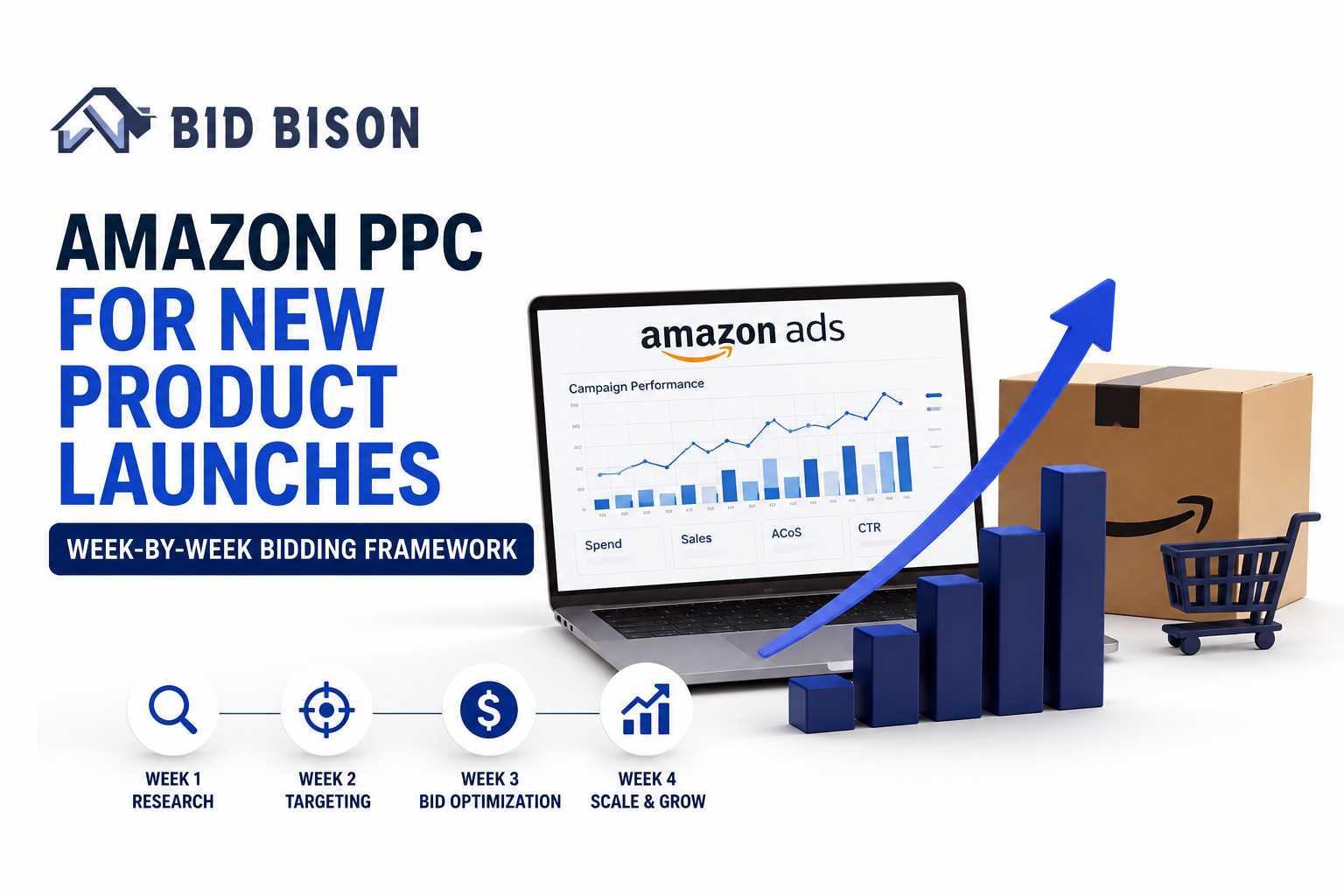
Launching a new product on Amazon feels a lot like showing up to a race with no idea where the finish line is. You have zero reviews, zero sales history, and zero ranking - but Amazon still expects your ads to perform like you've been in the game for years.
Most sellers respond to this pressure in one of two bad ways. They either throw money at every keyword hoping something sticks, or they play it too safe and end up invisible on page five. Both approaches burn cash without building the one thing a new listing actually needs: data.
That's where a real Amazon PPC for new product launch strategy comes in. Instead of guessing, you follow a structured, week-by-week bidding plan that matches what your listing actually needs at each stage - visibility first, then data, then control, then scale.
In this guide, we'll walk through exactly that - a practical, timeline-based playbook you can use starting day one, plus the mistakes that quietly kill most launches. And if by the end you're thinking "I don't have time to check bids every single day," that's a fair reaction - it's exactly the problem tools like BidBison were built to solve.
Why new product launches need a different PPC strategy
Running PPC on an established product and running it on a brand-new ASIN are two completely different games. Treating them the same is where most launch budgets go to waste.
The cold-start problem
A new listing has no click history, no conversion rate, and no keyword ranking for Amazon's algorithm to lean on. Amazon's system needs proof that your product deserves visibility, and the only way to generate that proof is through early ad performance. Until you have that data, you're essentially bidding blind.
Why "set and forget" bidding fails at launch
A static bid that made sense on day one can be completely wrong by day ten. Search terms that looked promising in week one might convert poorly by week three. If you're not actively adjusting, you're either overspending on keywords that stopped working or underbidding on the ones that just started to.
The role of automation in fixing this faster
This is exactly why manual spreadsheets struggle to keep up during a launch. A good Amazon PPC automation software can react to performance changes in real time - something no human checking bids once a day can realistically match. More on that later, but keep it in mind as you read through the framework.
Pre-launch PPC setup (before week 1)
Before you spend a single dollar, your account structure needs to be built correctly. Fixing a messy campaign structure mid-launch wastes time you don't have.
Keyword research & match type strategy
Start broad, then narrow. Build your initial keyword list using a mix of:
- Broad match campaigns to capture search term variations you haven't thought of
- Phrase match for moderately targeted terms
- Exact match reserved for your highest-confidence, highest-relevance keywords
Think of this as a funnel. Broad match is your discovery net; exact match is where you'll eventually concentrate your budget once you know what converts.
Campaign structure
Set up three campaign types from day one:
- Sponsored Products (SP) - your workhorse for conversions and keyword data
- Sponsored Brands (SB) - builds early brand awareness and defends your category
- Sponsored Display (SD) - useful for retargeting shoppers who viewed but didn't buy
Keep auto and manual campaigns separate. Mixing them makes it much harder to read your search term reports cleanly.
Setting realistic initial bids
Don't guess. Use category-level CPC benchmarks as your starting point, then adjust based on your product's price point and margin. A good rule of thumb: bid slightly above the suggested range for your top 5-10 priority keywords during week one, since your only goal right now is visibility, not profitability.
Week-by-week bidding framework
Here's the core of the strategy - a practical launch checklist broken down by week, so you always know exactly what to focus on.
Week 1: Visibility & data collection
Your only job this week is to get seen and gather data. Don't judge performance by ACoS yet - it's simply too early.
- Bid aggressively on broad and auto campaigns to maximize impressions
- Let the algorithm show your product against a wide range of search terms
- Track everything, but don't touch bids based on one or two days of data
- Allocate a slightly higher daily budget than you think you need - running out of budget by noon means missing valuable afternoon traffic
Week 2: Data-driven narrowing
By now you should have enough search term data to start making real decisions.
- Pull your search term report and identify which terms are actually converting
- Move winning search terms into dedicated exact match campaigns
- Add poor performers as negative keywords to stop wasting spend
- This is also where keyword automation becomes genuinely useful - manually harvesting search terms every few days is tedious and easy to fall behind on
Week 3: ACoS control begins
With initial data in hand, it's time to introduce real performance targets.
- Set a target ACoS or TACoS goal based on your product's margin
- Adjust bids by time of day (dayparting) if you notice performance patterns
- Fine-tune placement bids - top-of-search often converts better but costs more, so test how much premium is worth paying
- Start trimming bids on keywords that are technically converting but at an unsustainable cost
Week 4: Scaling what works
This is where a launch starts to feel like it's paying off.
- Increase budgets and bids on your proven, converting keywords
- Launch or ramp up Sponsored Brand and Sponsored Display campaigns to retarget shoppers who've already shown interest
- Begin tracking whether your organic rank is climbing alongside your ad spend - that correlation tells you if your PPC is doing its real job of building organic momentum
Week 5-6: Transition to steady-state bidding
By this stage, checking bids manually every day stops being sustainable - and honestly, it stops being the best use of your time.
- Shift from reactive manual adjustments to rule-based or AI-driven bidding
- This is typically when sellers hand day-to-day bid management to automation tools like BidBison, which continuously adjust bids based on real-time performance instead of once-a-day check-ins
- Your role shifts from "adjusting every bid" to "reviewing strategy and setting goals," which is a much better use of a growing brand's time
See how this works in practice - BidBison can take over your week 3-6 bidding automatically. Try it free and watch your ACoS trend in real time.
Common mistakes sellers make during launch PPC
Even sellers who know the theory often trip up on execution. Watch out for these:
- Bidding too low to "save budget." This backfires - low visibility in week one means slower data collection and a longer, more expensive launch overall.
- Ignoring search term reports for the first two weeks. This is exactly when the most valuable insights appear. Skipping this step means flying blind for longer than necessary.
- Not separating branded vs. non-branded campaigns. Lumping them together makes it impossible to tell if your brand name is doing the heavy lifting or if your product is actually ranking for generic terms.
- Manually checking bids every single day. It's exhausting, error-prone, and nearly impossible to scale past a handful of SKUs - which is exactly why more sellers are turning to Amazon PPC AI software to handle this layer of the work.
How AI bidding software simplifies this framework
Everything above is doable manually - but it takes hours every week, and mistakes are easy to make when you're managing bids based on yesterday's data.
Amazon PPC AI software works differently. Instead of you checking performance once a day and adjusting bids by hand, the software monitors performance continuously and adjusts bids in real time based on actual conversion signals. That means:
- Bids react to performance changes within hours, not days
- Wasted spend on underperforming search terms gets caught and cut faster
- Winning keywords get more budget the moment they start converting well, instead of waiting for your next manual review
Sellers who switch from manual bid management to automated systems commonly see meaningfully lower ACoS during the scaling phase, simply because the software is reacting faster than any human realistically can.
Ready to stop adjusting bids manually? BidBison automates exactly this process - from week one visibility bidding through week six scaling - so your launch keeps improving even when you're not watching it. Start your free trial with BidBison today.
Amazon PPC launch checklist (quick recap)
- Complete keyword research with broad, phrase, and exact match tiers
- Set up separate SP, SB, and SD campaigns
- Set initial bids using category benchmarks, not guesswork
- Week 1: Bid for visibility, don't judge by ACoS yet
- Week 2: Harvest converting search terms, add negatives
- Week 3: Introduce ACoS targets and placement adjustments
- Week 4: Scale winning keywords, launch retargeting campaigns
- Week 5-6: Move to automated, rule-based bidding
Final thoughts
A successful Amazon launch isn't about picking the "right" bid once and walking away - it's about following a structure that evolves week by week as your data grows. Visibility first, then insight, then control, then scale.
The sellers who struggle most are usually the ones trying to manage all of this manually, every single day, on top of everything else running a brand requires.
Let BidBison handle the week-by-week bidding for you. From the first week of visibility bidding through full-scale automation, BidBison adjusts your bids in real time so your launch keeps improving - even while you're focused on everything else your business needs. Book a free demo with BidBison and see your next launch run on autopilot.
How much should I bid on Amazon PPC for a new product?
How long does a product launch PPC phase last?
Should I use automatic or manual campaigns for a new listing?
Can AI software really replace manual PPC management?
What ACoS is normal during a launch?
Run your next launch on autopilot.
Set your target ACoS once, and let the strategy engine take it from there. 14-day free trial, credit card required.